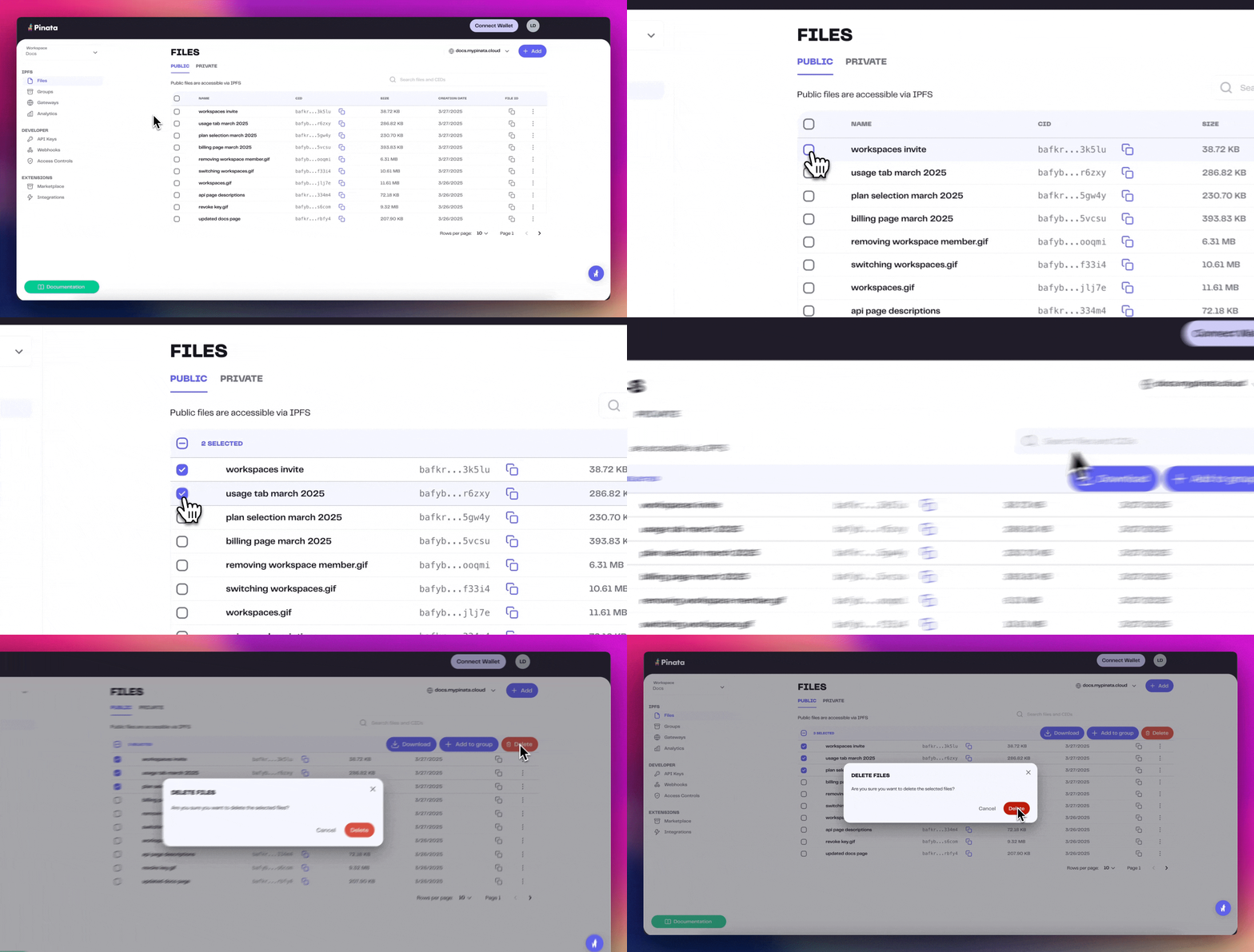
> ## Documentation Index
> Fetch the complete documentation index at: https://pinata-mintlify-5df45191.mintlify.site/llms.txt
> Use this file to discover all available pages before exploring further.
# Deleting Files
> Delete files from Pinata permanently using the SDK delete method, the Files API, or the dashboard to remove single files or files in bulk.
Deleting files from Pinata is simple and easy!
## Deleting Programatically
The SDK has a very simple [delete](/sdk/files/public/delete) method that will allow you to delete an array of files by `id`. Alternatively you can delete a single file with the [API](/api-reference/introduction).
```typescript SDK theme={null}
import { PinataSDK } from "pinata";
const pinata = new PinataSDK({
pinataJwt: process.env.PINATA_JWT!,
pinataGateway: "example-gateway.mypinata.cloud",
});
const unpin = await pinata.files.public.delete([
"3c52f1b8-11b1-40d9-849d-5f05a4bbd76d",
"b72886db-9dd4-434c-a1b2-f9d36781ecee"
])
```
```typescript API {6,9,11} theme={null}
const JWT = "YOUR_PINATA_JWT";
async function delete() {
try {
const fileId = "e0b102e9-d481-4192-ab44-b8f7ff010e9a"
const request = await fetch(
`https://api.pinata.cloud/v3/files/public/${fileId}`,
{
method: "DELETE",
headers: {
Authorization: `Bearer ${JWT}`,
}
});
const response = await request.json();
console.log(response);
} catch (error) {
console.log(error);
}
}
```
### Deleting All Files
If you find yourself in a position where you need to delete most or all of your files you can use the [Auto Paginate](/sdk/files/public/list#auto-paginate) feature on the SDK to fetch all the IDs of your files and delete them in a few lines of code!
```typescript theme={null}
import { PinataSDK } from "pinata";
const pinata = new PinataSDK({
pinataJwt: process.env.PINATA_JWT!,
pinataGateway: "dweb.mypinata.cloud",
});
async function main() {
try {
let files = [];
for await (const item of pinata.files.public.list()) {
files.push(item.id);
}
const res = await pinata.files.public.delete(files);
} catch (error) {
console.log(error);
}
}
main();
```
## Deleting by Web App
If you are trying to delete files, then you can do so by clicking on the on the 3 dots at the end of the row and selecting "Delete"
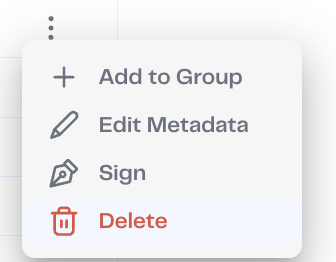 Additionally, with our Bulk File Actions tool, you can select and manage multiple files at once - up to 100!